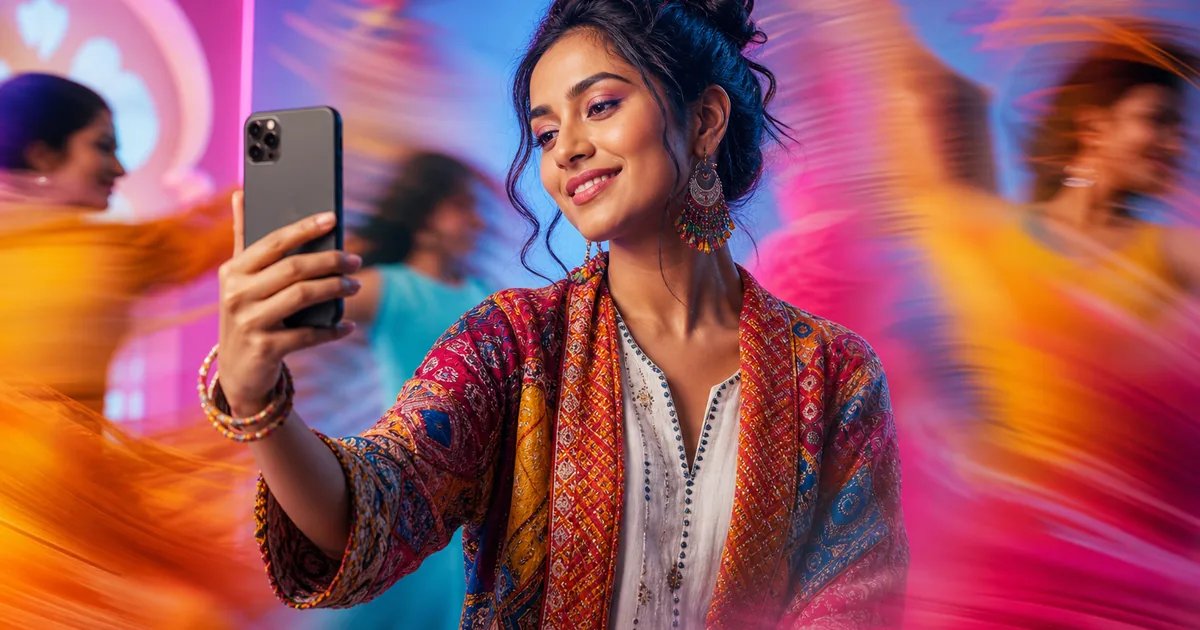
If you want to turn a single photo into a fun dance clip for Reels, Shorts or WhatsApp Status, an AI dance video generator is the fastest way to do it. On Glymo’s Make Me Dance, you just pick a dance style, upload a well‑lit photo you have permission to use, and generate a short clip—perfect for birthdays, festivals, weddings, or quick promos. This guide shows you exactly how, with India‑specific ideas, photo tips, and ready prompts.
What is an AI dance video generator and why creators love it
- Simple idea: you upload one photo, pick a dance style, and get a short video where your portrait moves to the beat.
- It’s made for quick posts—Reels, YouTube Shorts and WhatsApp Status—so you can share a greeting or teaser in minutes.
- Small businesses and freelancers can add motion to product photos or profile shots without any editing skills.
- Always use your own photo or one you have clear permission to use. Consent first, every time.
How to do it with Glymo: make a dance video from one photo
- Open Glymo’s Make Me Dance in your browser or phone.
- Go to the Dance Videos page: Make Me Dance.
- Pick a template that matches your vibe
- Browse styles like Tiny Star, Power Moves, Cool Kid, Street Rhythm, Golden Motion, Street Beat, Neon Energy, Urban Groove, Urban Pulse, Dance Vibes and Elegant Motion.
- Tap or click Use Template on the style you want.
- Upload a clear, well‑lit portrait
- Choose a single‑person photo where the face is sharp and front‑facing. Avoid heavy filters or sunglasses.
- You must have permission to use the photo.
- Preview, adjust and generate
- Check the framing; adjust crop if needed.
- Generate your AI dance video, then download and share on Instagram, YouTube or WhatsApp.
- Find your results later
- All your outputs are saved in My Creations.
Pro tip: which template fits which mood
- Festivals and parties: Neon Energy, Urban Pulse, Street Beat for bright colours and bold moves.
- Classy or romantic: Elegant Motion, Golden Motion for softer motion and warm tones.
- High‑energy street vibe: Power Moves, Street Rhythm, Urban Groove for fast, modern motion.
- Playful or quirky: Tiny Star, Cool Kid for a youthful, fun look.
Quick checklist before you generate
- One clear subject, face visible and front‑facing
- Even lighting, no harsh shadows
- No sunglasses or motion blur
- Simple background (or crop tighter)
- Highest‑resolution version of the image you have
Template picks for Indian moments: ideas that work
- Birthdays: Try Tiny Star or Dance Vibes for a cheerful, confetti‑style background.
- Anniversaries and pre‑wedding reels: Elegant Motion for a soft‑light, romantic feel.
- Festivals (Diwali, Holi, Eid, Christmas, Navratri): Neon Energy or Urban Pulse for bright colour pops.
- Weddings and sangeet invites: Golden Motion for a warm cinematic glow.
- Friends’ trips and college fests: Street Beat or Power Moves for high energy.
- Small business promos: Cool Kid for playful offers; Urban Groove for trendy product teasers.
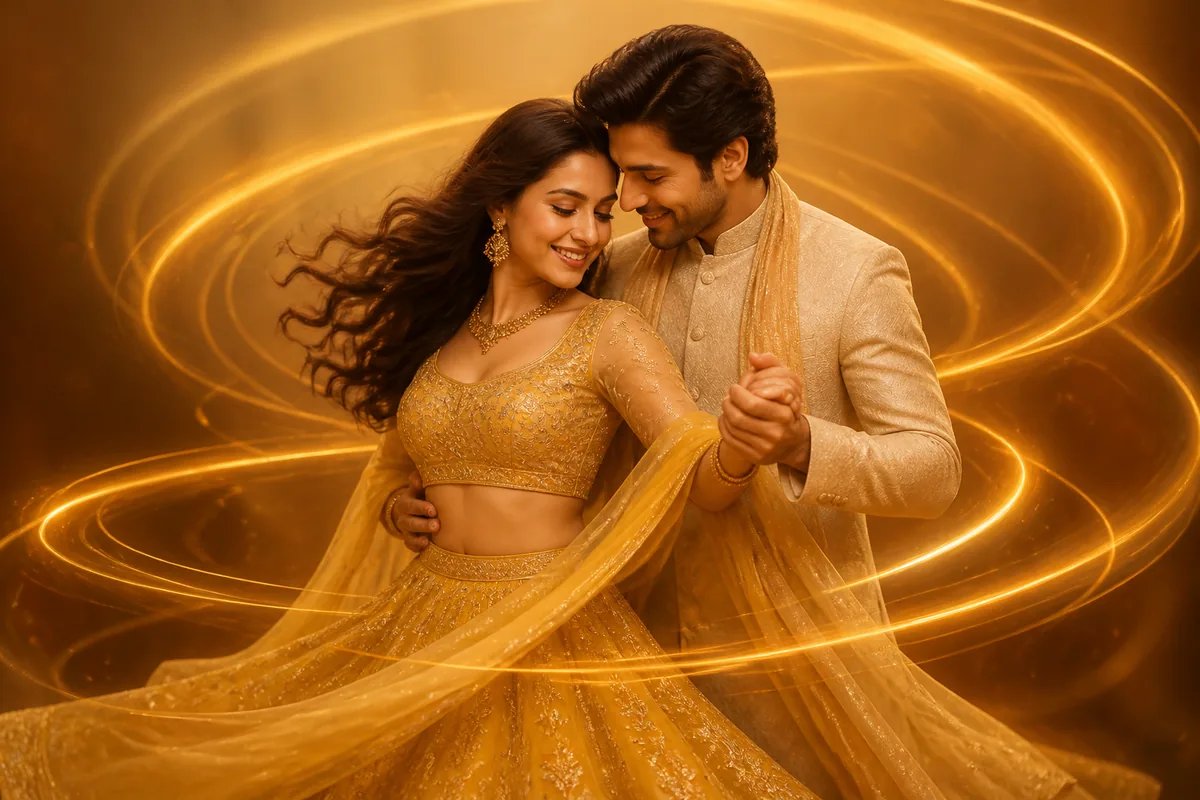
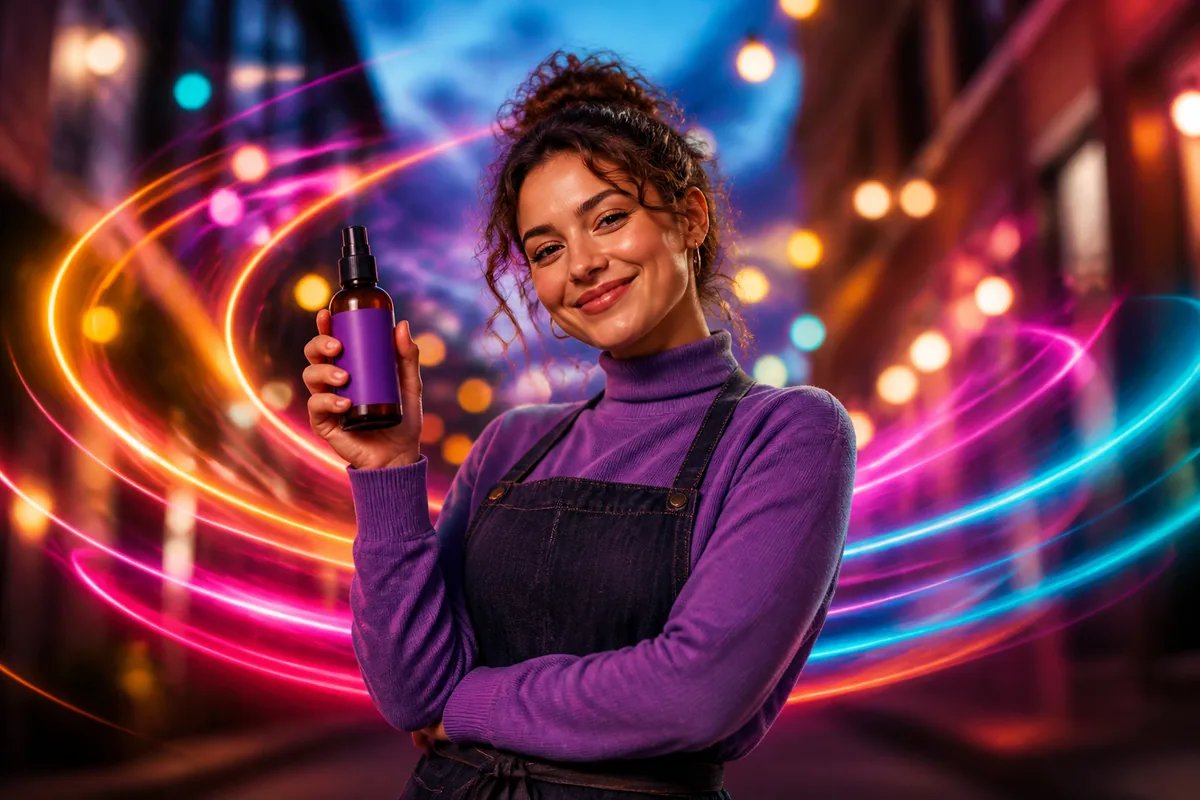
Photo tips for sharper AI dance results
- Use a single‑person portrait with the face clearly visible; avoid group photos.
- Even, soft lighting works best. Natural light from a window is great.
- Keep the face straight to camera; avoid side profiles for your first try.
- Skip heavy filters, sunglasses and noisy backgrounds.
- Upload the highest‑resolution file you have (original camera photo if possible).
Want custom motion? Try prompts with Image to Video
If you want a dance vibe beyond the ready templates, animate your still photo using Image to Video (animate a photo). Write a short prompt that describes style, lighting and movement. Keep it specific and clean. Don’t try to change someone’s identity, and only use photos you have permission to use.
Ready-to-copy AI dance video generator prompt ideas
- “Studio portrait, upbeat Bollywood‑inspired head and shoulder sway, neon rim light, colourful confetti bokeh, smooth camera push‑in.”
- “Cinematic soft light, gentle side‑to‑side groove with subtle hand wave, warm golden tones, shallow depth of field.”
- “Urban night vibe, energetic nod and shoulder pop, neon magenta and cyan lights, quick cuts, trendy feel.”
- “Festival mood, playful head bob with light torso twist, bright Holi colours in background, soft glow.”
- “Classy wedding invite style, slow romantic sway, warm amber lighting, elegant film grain.”
Real use cases that get views (and smiles)
- Birthday shoutouts: Make a short dance clip and add a cake emoji and tag in the caption.
- Anniversary reel: Start with a Make Me Dance clip, then add a few stills in a carousel or as the next story.
- Festival greetings: A quick Diwali or Holi dance video works perfectly as a WhatsApp Status.
- Small shops: Turn a product shot or model holding your item into a trendy teaser; put the price or offer in the caption.
- Freelancers: Add a short dance intro before your project montage to boost watch time.
Is there a truly free AI dance video generator?
Many “ai dance video generator free” or “ai dance video generator online free for tiktok” tools add watermarks, have limits, or ask you to sign up first. The truth about “ai dance video generator free without login” is that there’s usually a catch—quality caps, queues or restricted downloads. Glymo uses a coin‑based system; you can see current details at Pricing and plans. Tip: Batch your ideas and choose the right template so each generation counts.
Troubleshooting: make your result look better
- Face looks off: Use a sharper, front‑facing portrait with neutral expression and good light.
- Weird edges or artifacts: Crop tighter around the subject before uploading.
- Motion feels low energy: Switch to a higher‑motion style like Power Moves or Street Rhythm.
- Too flashy for your brand: Try Elegant Motion or Golden Motion for subtle, classy movement.
- Colours not popping: Pick Neon Energy or Urban Pulse for vibrant palettes and a bolder look.
Safety, consent and good vibes only
- Only upload photos of yourself or photos where you have explicit permission from the person in the image.
- Don’t make AI videos of celebrities, politicians or anyone else without consent.
- Keep couple content wholesome; no nudity or suggestive visuals.
- Never use AI to mislead, impersonate or fake reviews. Glymo also uses automated safety and moderation to help prevent prohibited content.
Quick start: make your first AI dance video now
Pick a template like Neon Energy for festivals or Elegant Motion for a clean, classy reel. Upload a clear photo, generate, and post to Reels, Shorts or Status. You’ll find more ready-made photo styles at AI photo templates whenever you need static visuals too.
Frequently asked questions
How can I create an AI dance video from a single photo?
Open Make Me Dance, choose a template, and upload a clear portrait photo you’re allowed to use. Preview, adjust the crop and generate your video. Download and post to Instagram Reels, YouTube Shorts or WhatsApp Status. For more control over motion, try Image to Video (animate a photo) with a short prompt.
Which is the best AI dance video generator for Instagram Reels in India?
“Best” depends on your style and workflow. Glymo’s Make Me Dance offers template‑based styles tuned for quick Reels and Status posts, works on web and the Android app, and saves everything in My Creations. For custom motion from a single photo, pair it with Image to Video (animate a photo).
Is there an AI dance video generator online free without login?
You’ll see many “free ai dance video generator” or “ai dance video generator free without login” claims, but most tools add watermarks, limits or require sign-up at some stage. Glymo uses a coin‑based system; check Pricing and plans for current options. Plan your concepts and pick fitting templates to make each generation count.
What are the best prompts to make a photo look like it’s dancing?
Keep prompts short and specific: subject, vibe, lighting and motion. For example: “Urban night look, energetic head nod and shoulder pop, cyan-magenta neon, quick cuts.” Or “Warm golden light, gentle romantic sway, soft camera push‑in.” See the prompt list above for more copy‑paste ideas. Avoid identity changes and only use photos with consent.
Can I use my own music with AI dance videos?
Yes—after you download your clip, add music when posting. Instagram lets you add audio while creating a Reel; see Instagram’s official help for adding music to Reels: https://help.instagram.com. You can also add tracks when posting YouTube Shorts; see YouTube’s help: https://support.google.com/youtube.
Why does my AI dance video look blurry and how do I fix it?
Blurriness often comes from a low‑resolution or noisy source image. Upload the highest‑resolution shot you have, ensure the face is sharp and front‑facing, and avoid heavy filters or motion blur. Try a simpler background and tighter crop. If motion looks smeared, switch to a steadier style like Elegant Motion.
Ready to try it? Turn one photo into a fun dance clip now with Glymo’s Make Me Dance.